
Browse your platform
PCSource portReleased
SDL Sopwith
Biplane combat · by fragglet
THE PROJECT, IN VIEW
Screens & trailers
Original artwork, screenshots and trailers in one place.
BEFORE YOU BEGIN
Your setup, at a glance.
Build routeDeveloper release
Original systemDOS
Documented targetWindows · macOS
Extract the complete Windows ZIP into one folder and link sopwith.exe in Kipby. The tested release includes the data needed to play.
Open the developer’s setup guideAbout the project.
Pilot a biplane over a side-scrolling landscape. Fly solo, destroy ground targets and land back at your airfield.
Setup & original files
Browser edition
Play SDL Sopwith 2.9.0 directly. No original game files are required.
Play on the developer’s siteWindows managed installation
A development build of Kipby installed the sdl-sopwith-2.9.0 release and verified all 9 installed files. Kipby also updated from sdl-sopwith-2.8.0, preserved a saved file and rolled back to that version. The installed game ran with the overlay and regained keyboard focus when it closed.
Windows in-game overlay
The overlay opened during play. Back to game restored focus and the game accepted keyboard input again. A pinned note and running focus timer stayed visible during flight. The game kept keyboard focus, the panel let clicks pass through and the note was still there when the overlay reopened.
- Return focus to the game
- Pinned notes
- Focus timer
- Screenshot & return
- Browse screenshots in the library
- Export screenshots (PNG)
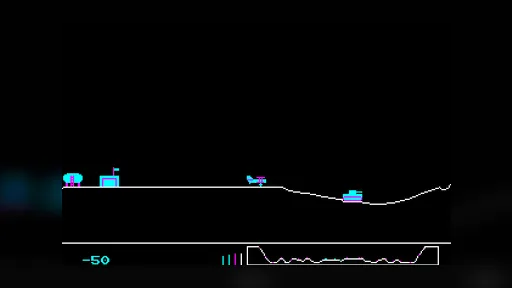
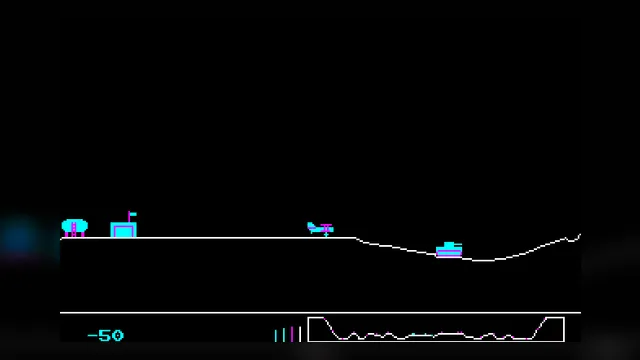
Windows development build · Kipby downloaded and verified the complete release, launched the managed copy and returned keyboard focus after using the overlay. During flight, Screenshot & return saved a 640 × 400 image and returned focus to the game. My screenshots opened the same image from the game page. Keyboard navigation and PNG export both worked.
Windows overlay test for SDL Sopwith 2.9.0What we checked.
Released- Source checked
- 23 Nov 2026
- Latest commit observed
- Not verified
- Release verified
- sdl-sopwith-2.9.0
- Reference comparison
- Developer source checked
Status reflects source and release evidence. No independent gameplay or hardware test is implied.
Make it yours.
- Choose your buildCheck the operating system, verified version and experimental notes.
- Set up this releaseExtract the complete Windows ZIP into one folder and link sopwith.exe in Kipby. The tested release includes the data needed to play.
- Launch the projectKeep the extracted files together and follow the developer’s launch instructions.
Gameplay captured by Kipby during the Windows overlay check. Artwork source & credits