
Browse your platform
PCStatic recompilationReleased
Call of Duty: Black Ops II
bo2-mac · by adrbn
Call of Duty®: Black Ops II on Steam
Pushing the boundaries of what fans have come to expect from the record-setting entertainment franchise, Call of Duty®: Black Ops II propels players into a near future Cold War
- Developer
- Treyarch
- Publisher
- Activision
- Steam release
- 12 Nov, 2012
- Genres
- Action
Steam features and system requirements
- Platforms
- Windows
- Features
- Single-player, Multi-player, Co-op, Steam Achievements, Full controller support, Steam Trading Cards, Steam Cloud, Valve Anti-Cheat enabled, Steam Leaderboards, Remote Play on TV, Family Sharing
- Languages
- English * , French * , German * , Italian * , Spanish - Spain * * languages with full audio support
- Minimum PC requirements
- Minimum: OS *: Windows Vista SP2 or Windows 7. Windows XP is not supported Processor: Intel Core2 Duo E8200 2.66 GHz or AMD Phenom X3 8750 2.4 GHz Memory: 2 GB for 32-bit OS or 4 GB for 64-bit OS Graphics: Nvidia GeForce 8800GT 512 MB or ATI Radeon HD 3870 512 MB DirectX: Version 9.0c Hard Drive: 16 GB Sound: DirectX 11.0c compatible Additional: Broadband connection required for activation and multiplayer gameplay Note: Windows XP Operating System is not supported Further information: Available here
 View this edition on Steam
THE PROJECT, IN VIEW
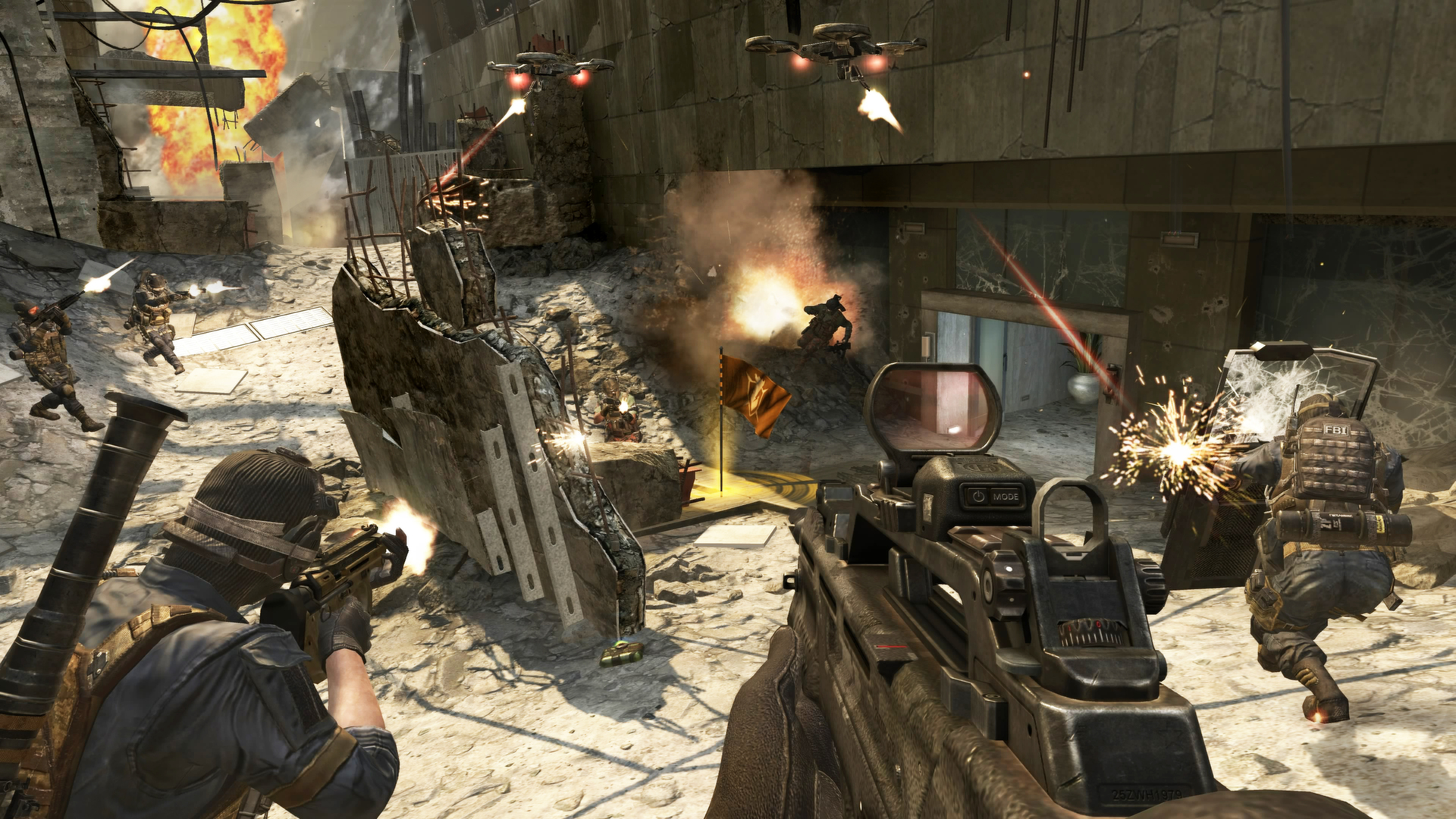
Screens & trailers
Original artwork, screenshots and trailers in one place.
BEFORE YOU BEGIN
Your setup, at a glance.
Build routeDeveloper release
Original systemOther
Documented targetmacOS
See the developer’s setup guide for the supported game revision, files and first-run steps.
Open the developer’s setup guideAbout the project.
adrbn publishes this PC recompilation of Call of Duty: Black Ops II.
Setup & original files
PC release setup
On Apple silicon, allow 20 GB of free space for conversion and sign in to Steam for Mac with the account that owns Black Ops II. Setup instructions
What we checked.
Released- Source checked
- 23 Nov 2026
- Latest commit observed
- Not verified
- Release verified
- v0.2.2
- Reference comparison
- Developer source checked
Desktop package links checked against the tagged developer release. Game-specific launcher and overlay testing is tracked separately.
Status reflects source and release evidence. No independent gameplay or hardware test is implied.
Make it yours.
- Choose your buildCheck the operating system, verified version and experimental notes.
- Set up this releaseSee the developer’s setup guide for the supported game revision, files and first-run steps.
- Launch the projectKeep the extracted files together and follow the developer’s launch instructions.
Original game artwork. See the credited source. Artwork source & credits